About this scene
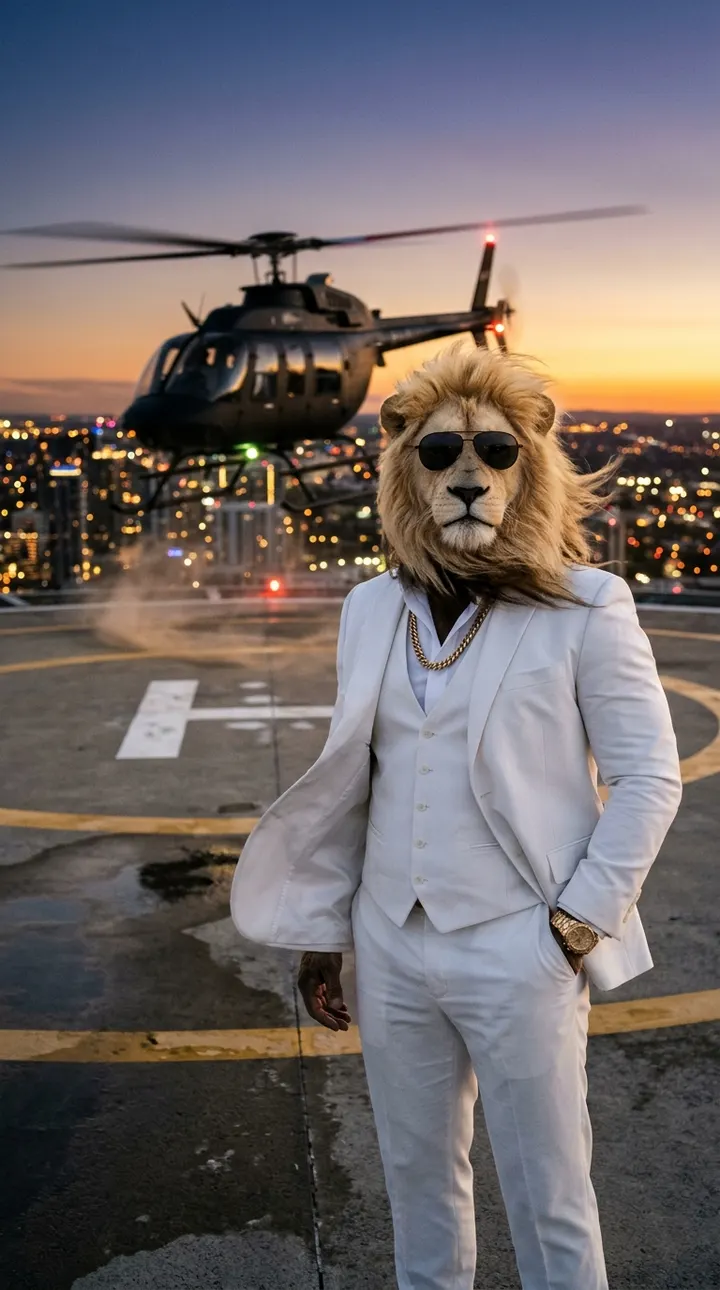
In the helipad arrival, Sheru Bhai stands on the roof of a skyscraper at dusk while a black helicopter lands behind him. The rotor wind whips his mane and suit jacket, he buttons the jacket, and walks to the edge to look over the city he clearly owns. It is the most "cinematic" template in the library and the one that most often gets compared to a film trailer.
The scene works because it combines strong motion (wind, rotors) with a still character. The challenge is that fast-moving rotor blades are hard for any video model, so the template keeps the helicopter behind him and slightly out of focus. Follow the tips below and you will get clean results far more often.
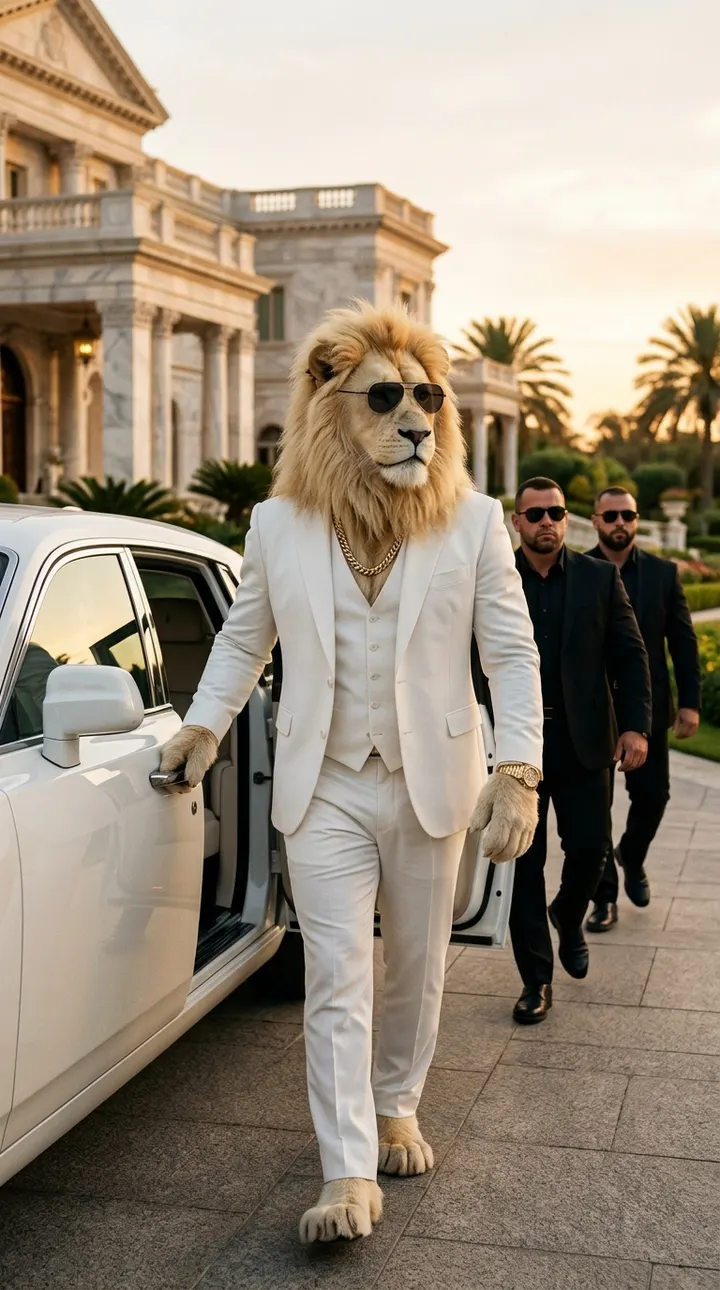
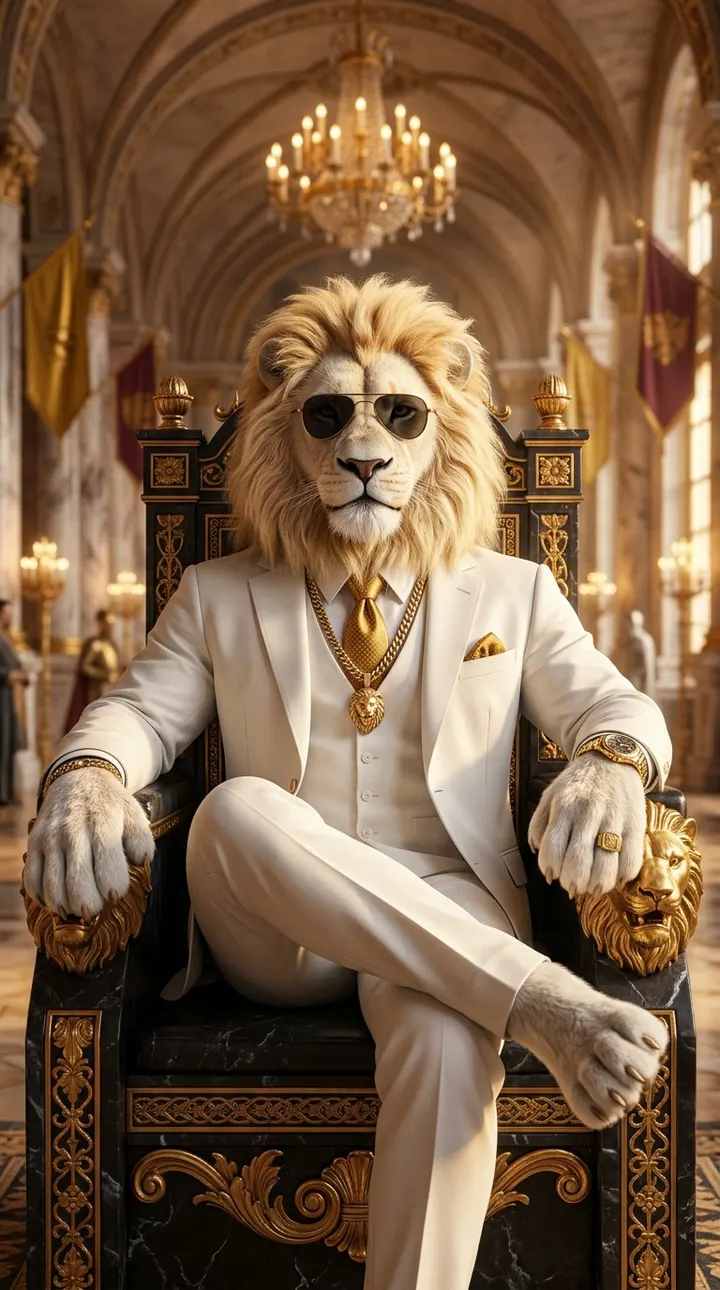
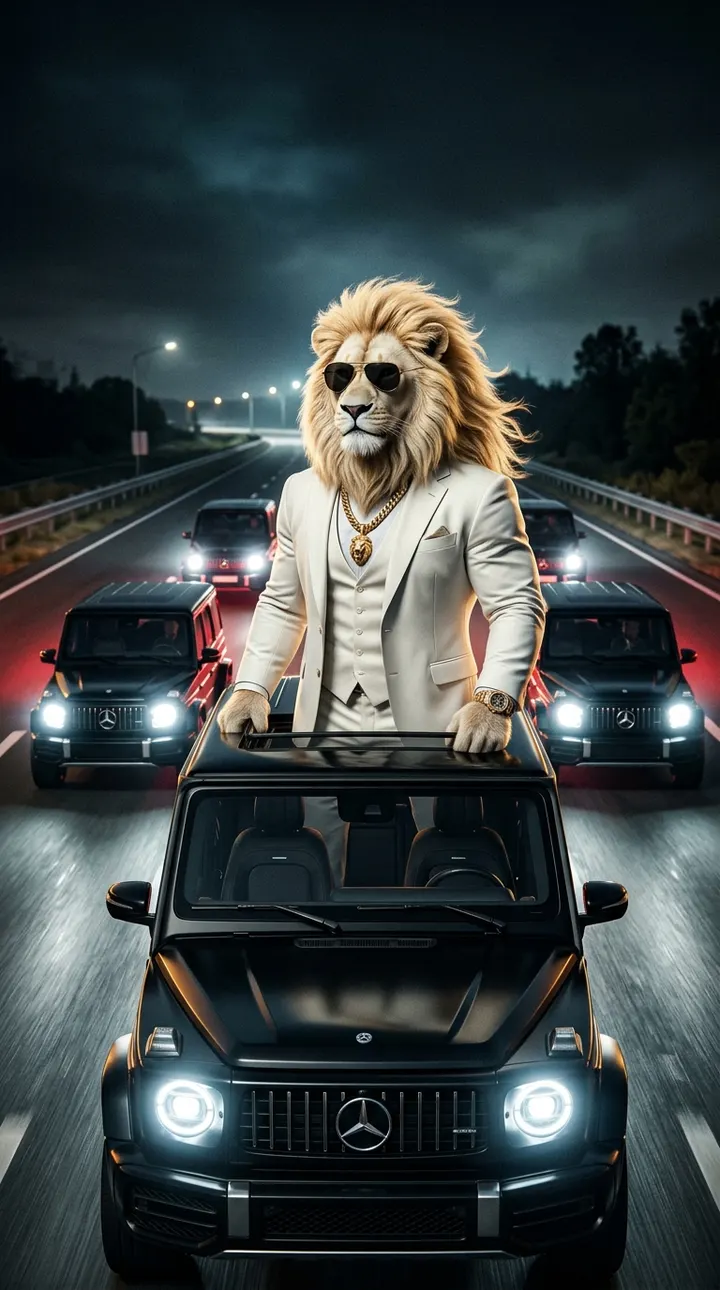
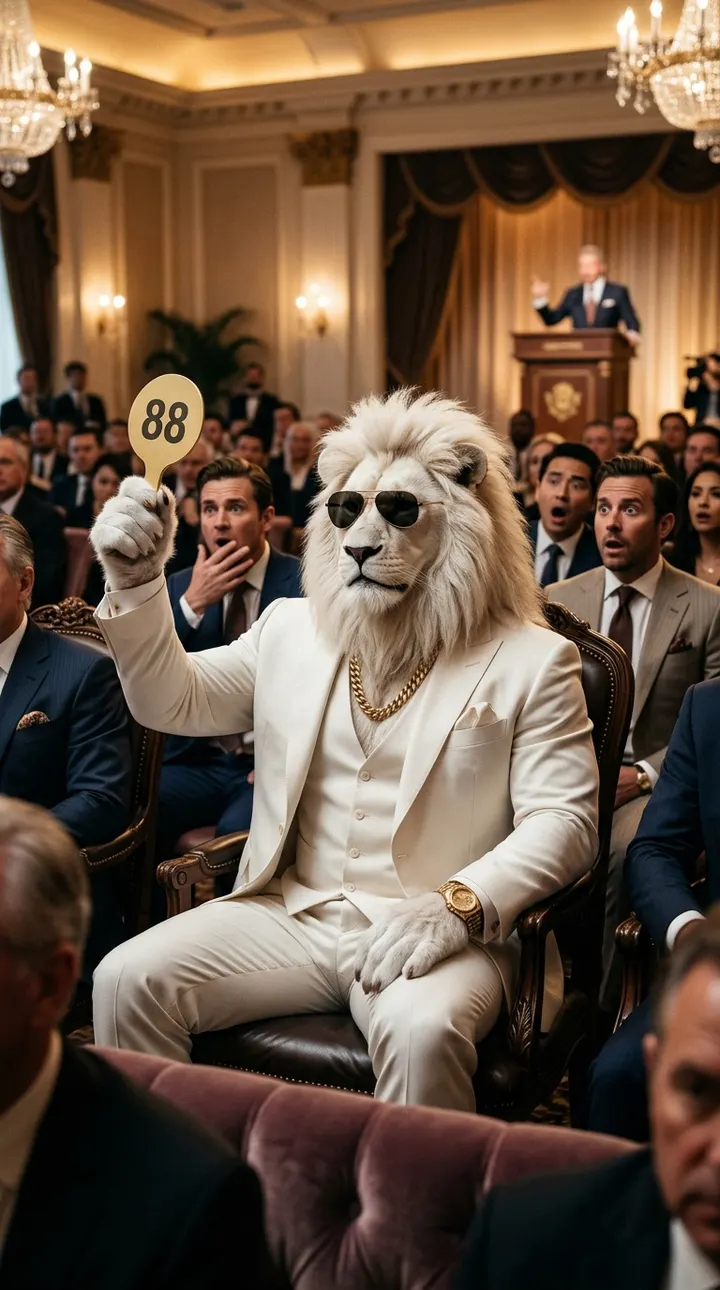
The image and video on this page were generated with AI by Sheru Bhai Video. Sheru Bhai is a fictional, fan-made meme character.
Shot plan for an 8-second clip
- 0-3 s: the helicopter touches down behind him; rotor wind blows his mane and jacket.
- 3-5 s: he buttons his suit jacket without looking back.
- 5-7 s: the camera orbits as he walks to the roof edge and looks down at the city lights.
- 7-8 s: he glances back at the camera and delivers the line.
The template prompt
This is the full prompt the studio builds for this scene with the White lion boss look and Hindi voice. It has four parts: the character lock (identical in every template), the scene, the action over the clip, and the dialogue with style rules. You can paste it into any AI video tool, or click “Use this template” to open it in our studio with the right settings.
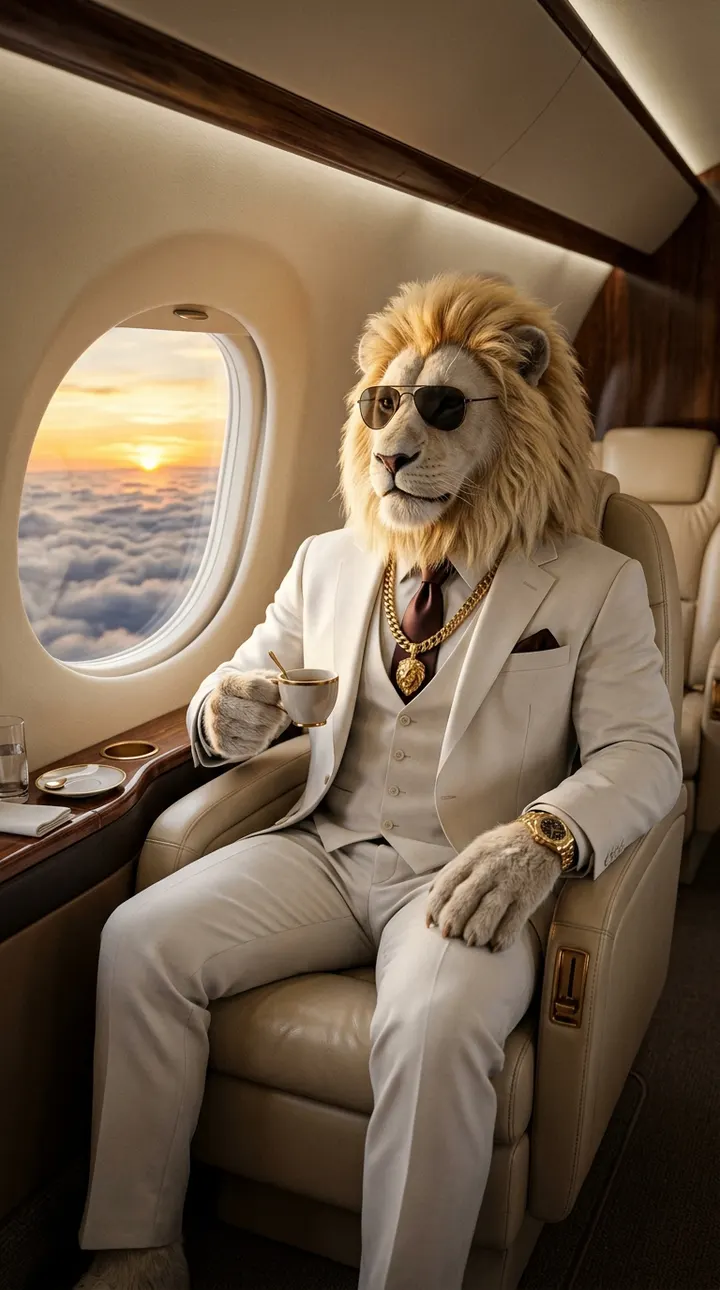
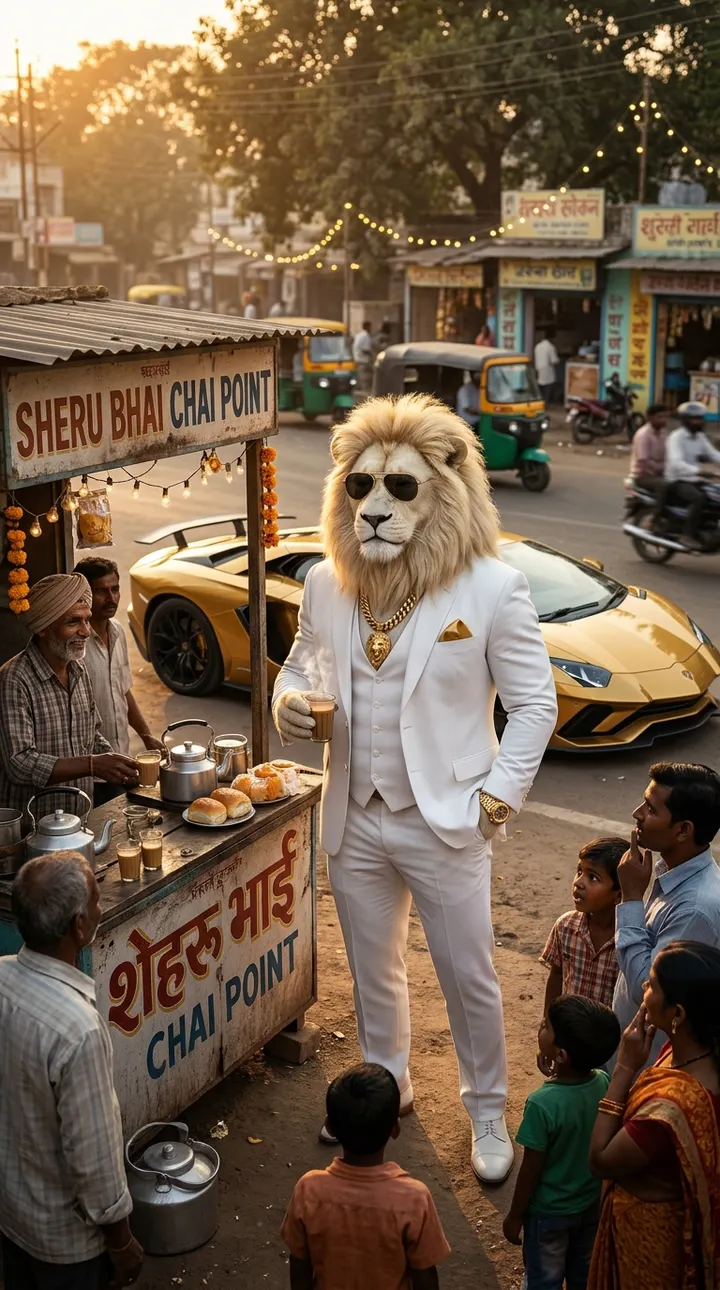
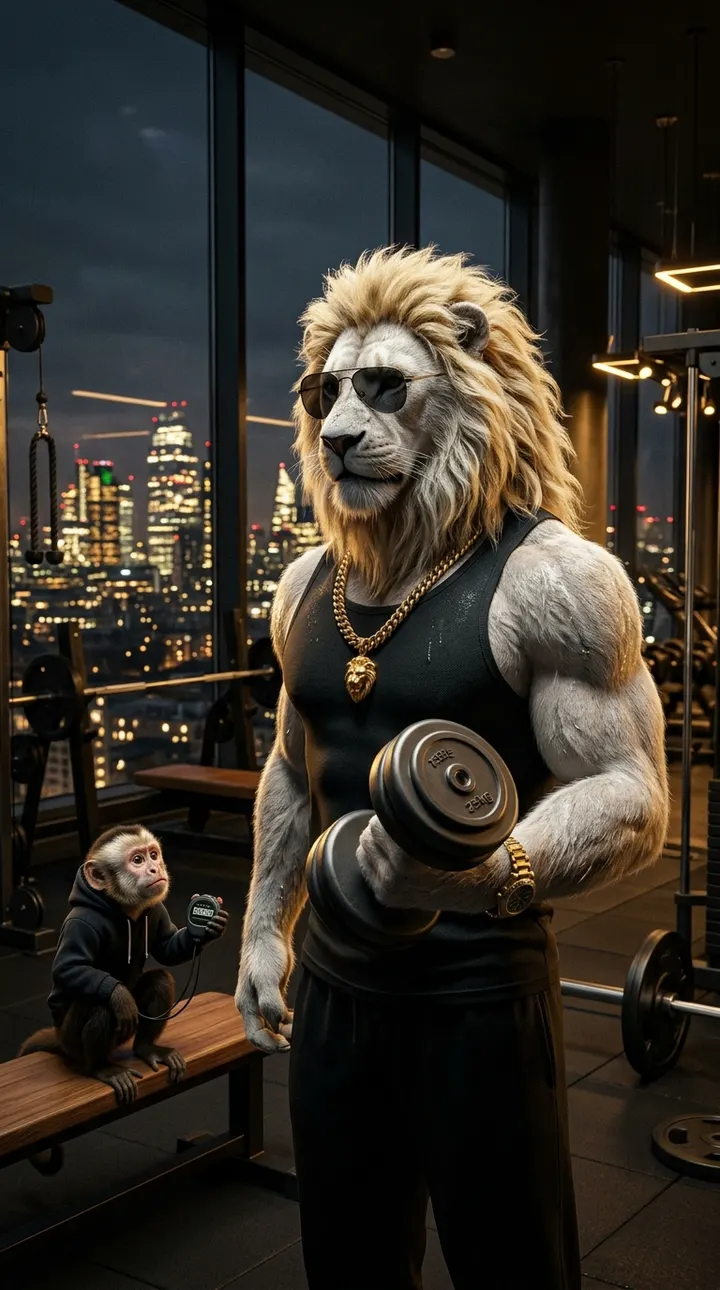
Sheru Bhai, a towering anthropomorphic white lion with a thick golden-white mane and a muscular human body, wearing a perfectly tailored white three-piece suit, a heavy gold Cuban chain, a gold watch and dark aviator sunglasses, calm confident boss expression. He stands on a skyscraper rooftop helipad at dusk, a black private helicopter landing behind him, city lights far below, suit jacket flapping in the wind. The helicopter touches down behind him, rotor wind blows his mane and jacket, he buttons his suit and walks to the edge, looking over the city like he owns it. Orbiting drone shot. He speaks one short line in a deep, calm, confident Hindi voice with accurate lip-sync: "Upar se sab chhota dikhta hai… dushman bhi.". Deep cinematic bass soundtrack and realistic sound effects. Hyper-realistic cinematic 3D, photoreal fur, dramatic lighting, slow-motion boss energy, smooth camera, vertical social-media framing, no subtitles, no text, no watermark, no logos.
Dialogue ideas
Short lines lip-sync best. Type any of these in the dialogue box (Roman Hindi works) or write your own in the same rhythm.
- “Upar se sab chhota dikhta hai… dushman bhi.”From up here everything looks small, even enemies.
- “Traffic? Woh neeche walon ki problem hai.”Traffic? That is a problem for people down there.
- “Sheher so raha hai, hum jaag rahe hain.”The city sleeps, we stay awake.
- “Meri meeting aasmaan mein hoti hai.”My meetings happen in the sky.
- “Udaan unchi ho toh shor neeche reh jaata hai.”Fly high enough and the noise stays below.
Tips for a better result
- Dusk lighting matters: keep "at dusk, city lights below" so the skyline glows behind him.
- Use 720p for the final version; city lights and wind detail gain the most from the higher resolution.
- If the rotors look broken, add "helicopter slightly out of focus in the background".
- Sound on: the generated rotor noise and wind make this clip feel expensive, so keep Generate sound enabled.
- For a vertical thumbnail, take the frame where he looks over the edge.
Common mistakes and fixes
The helicopter lands on top of him.
Keep "behind him" in both the scene and the action parts of the prompt.
He falls off or jumps from the roof edge.
Write "walks to the edge and stops" and avoid words like "jumps" or "leaps".
The city looks like a painting.
Add "photoreal city skyline with real building lights".
Dialogue is drowned by rotor noise.
Move the line to the very end, after the helicopter has landed, as in the beat plan above.
Variations to try
- Sunrise version: "at sunrise, golden light, mist over the city" for a motivational post.
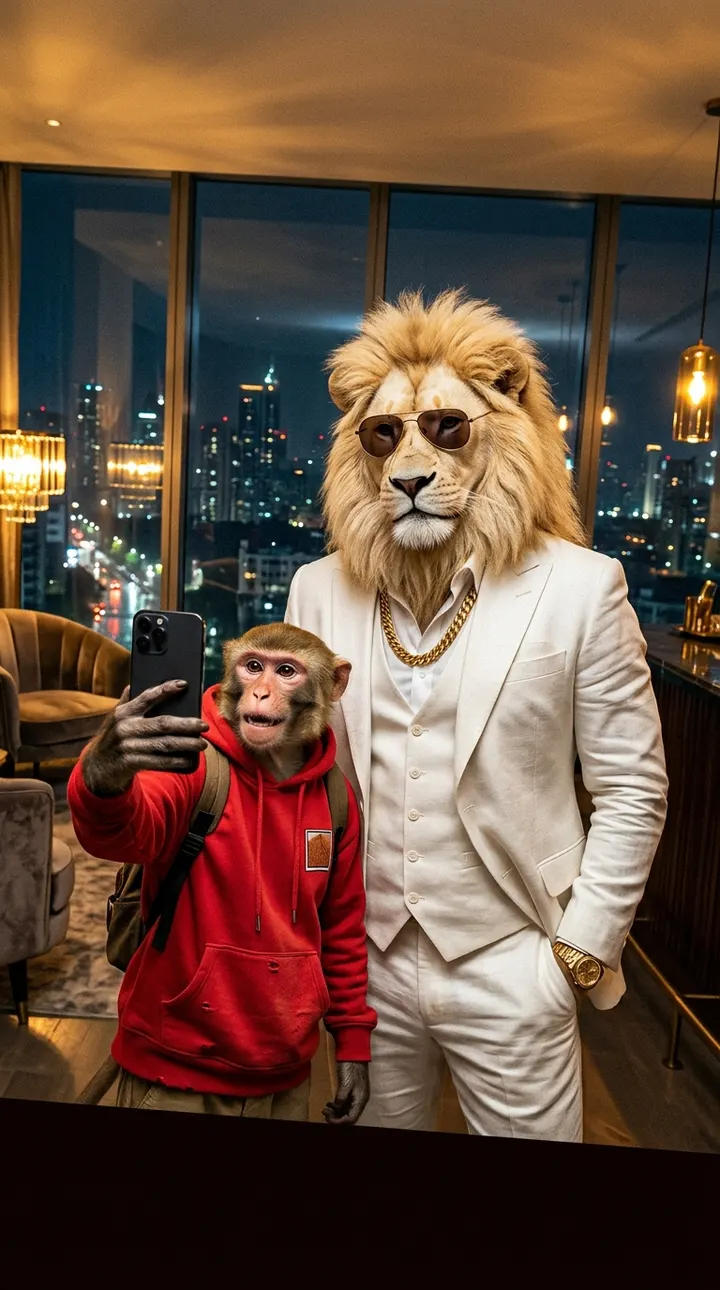
- Arrival with Chintu: Chintu jumps out of the helicopter filming on his phone.
- Two-part story: end this clip on the stare, then start the next clip with the private jet template for a travel episode.
FAQ
Why do helicopter blades look strange in AI videos?
Very fast repeating motion is hard for video models. Keeping the helicopter in the background and slightly blurred hides most artefacts.
Can this scene be made in 16:9 for YouTube?
Yes, choose 16:9 in Aspect ratio. The orbit shot works well wide; just expect the character to be smaller in frame.
Is the city a real place?
No. The skyline is generated and fictional, which keeps the video clearly in meme territory.
Make it now
Open the studio with this scene, look and dialogue filled in. New accounts get free credits, and failed generations are refunded.
Use the Skyscraper helipad arrival template